Scan with your iPhone camera
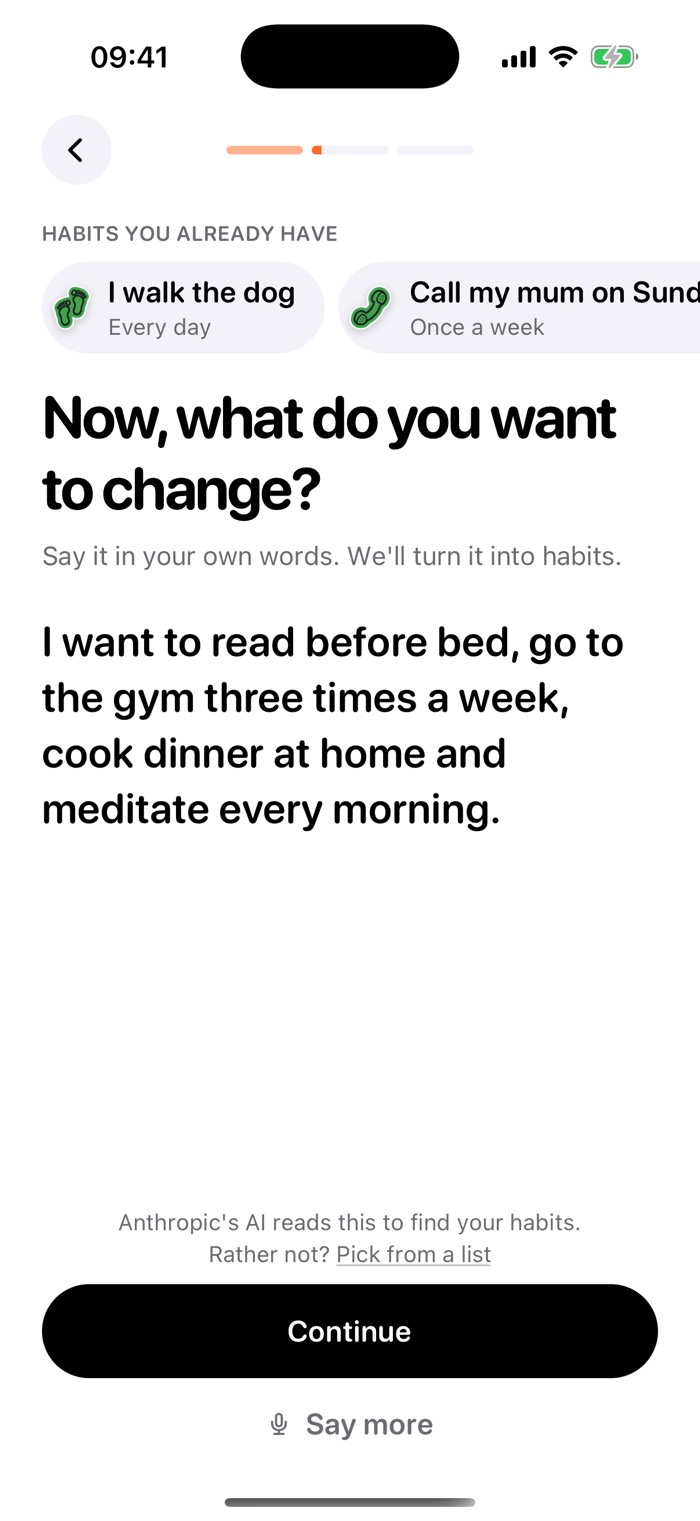
Say it in your own words.
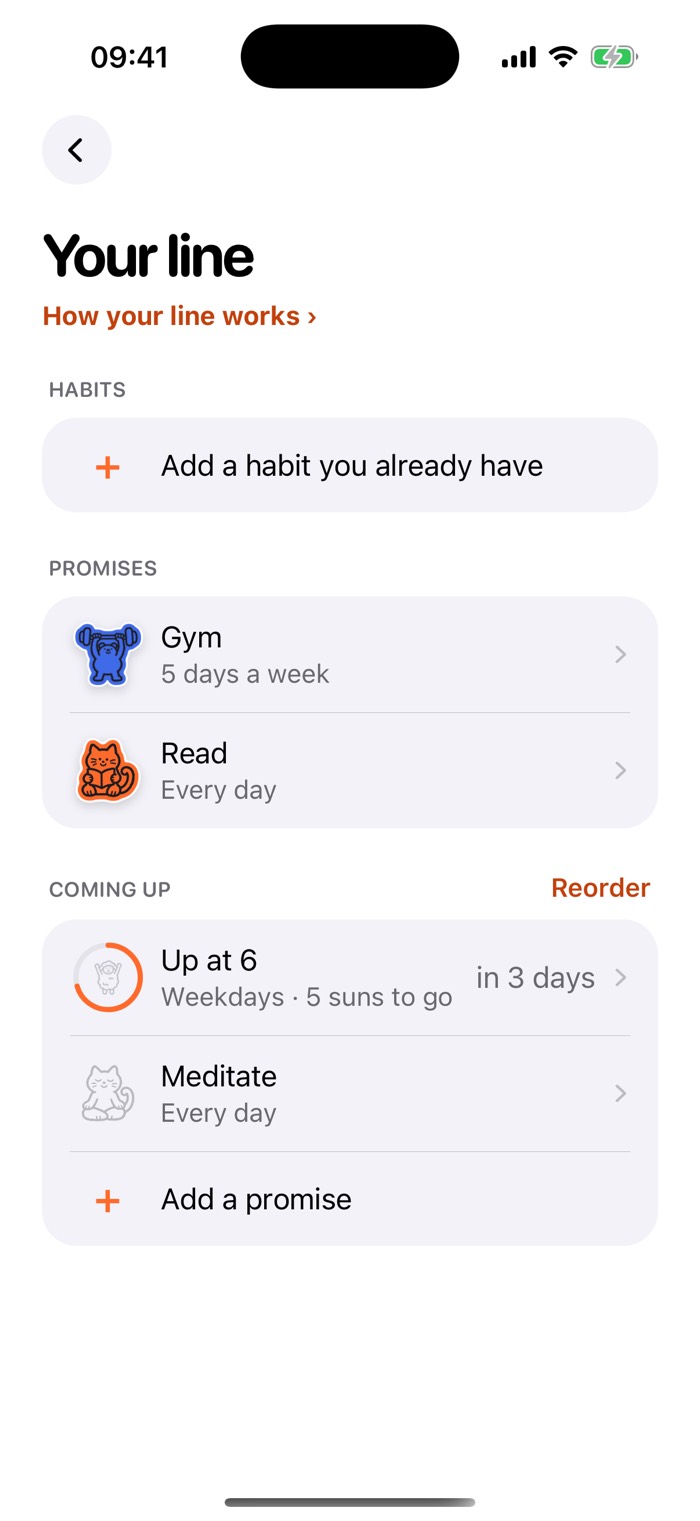
Upshot sorts what you want to change into habits, in a line.
 upshot
Download
 your habits.
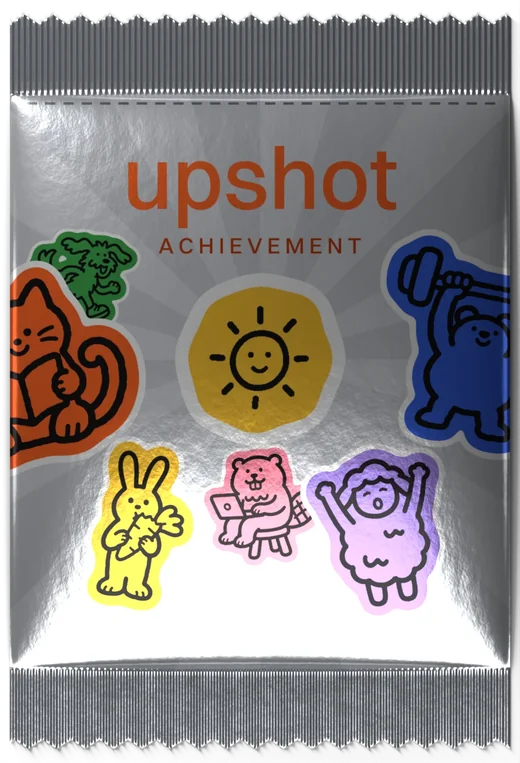
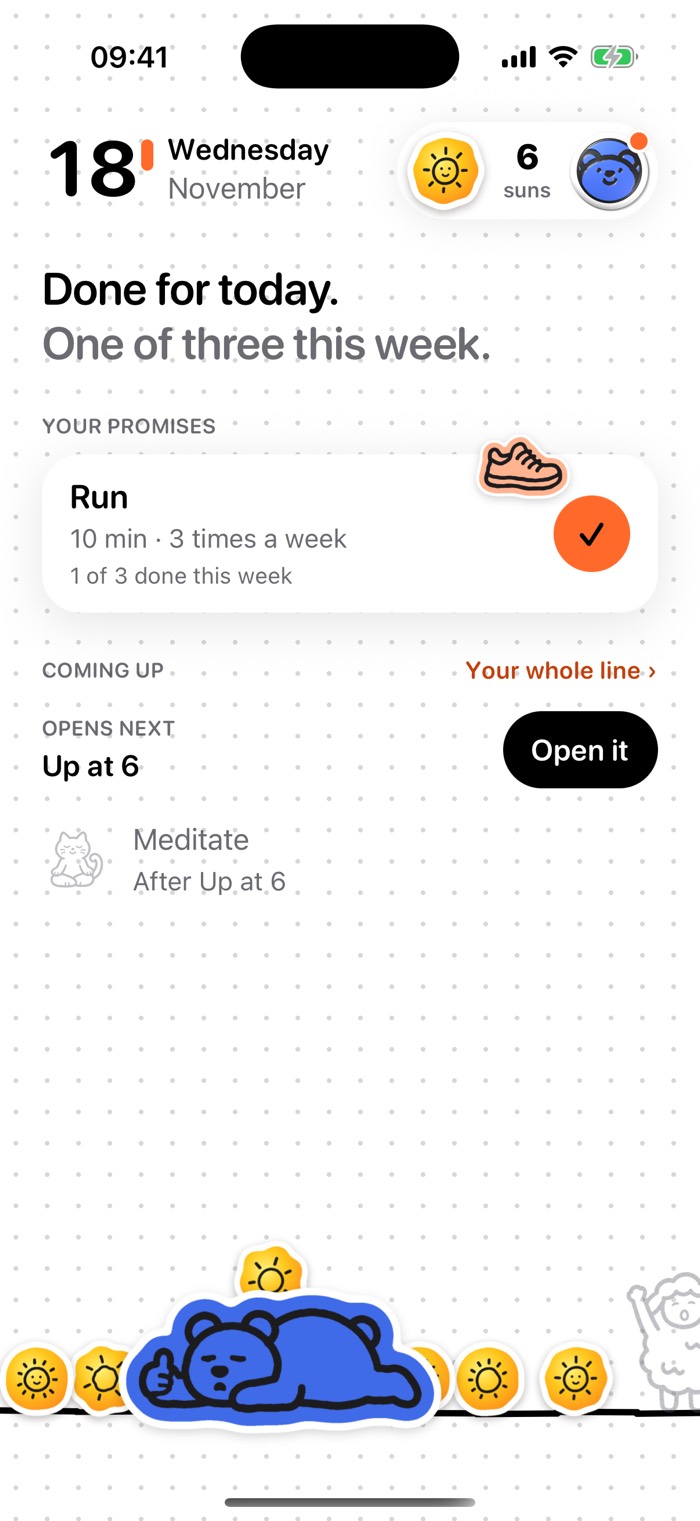



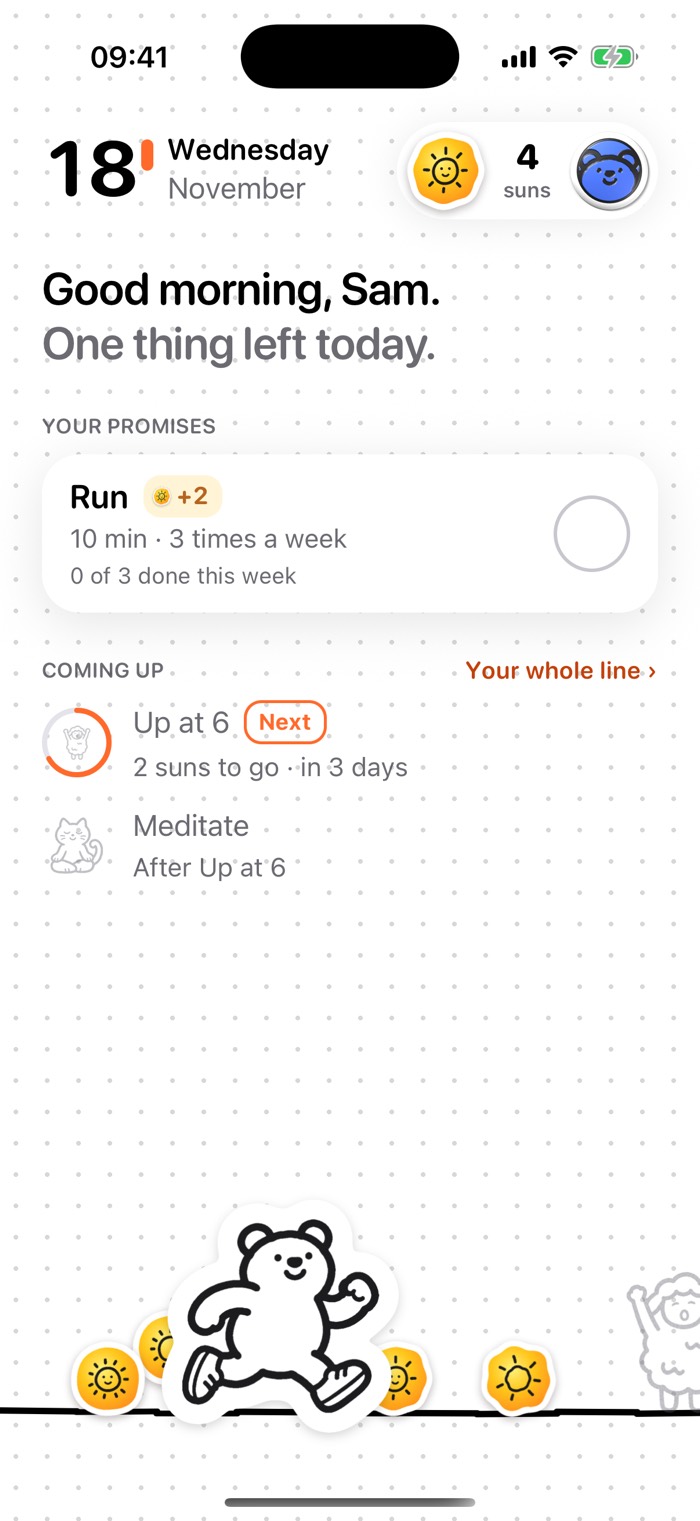
Upshot sorts what you want to change into habits, in a line.
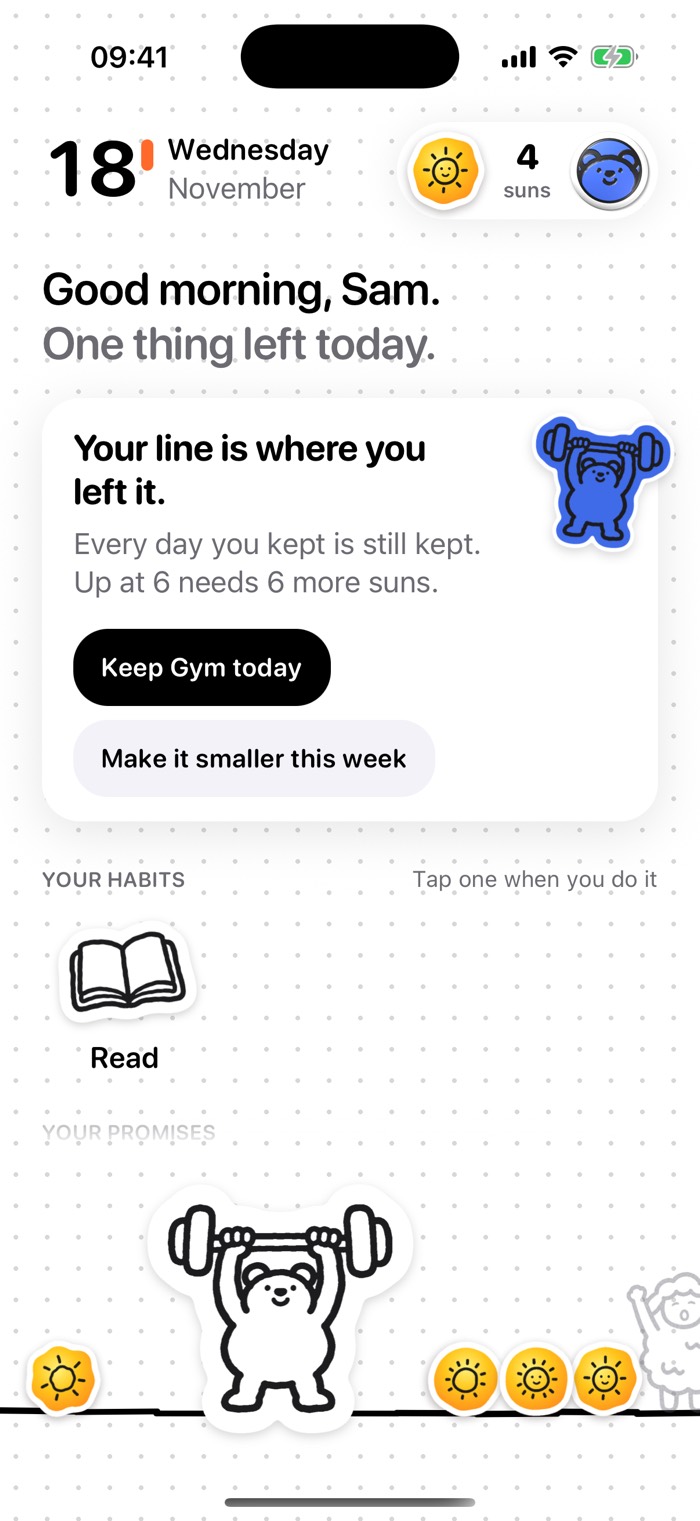
2 suns for the least you'd do on a bad day, 3 when you do more.
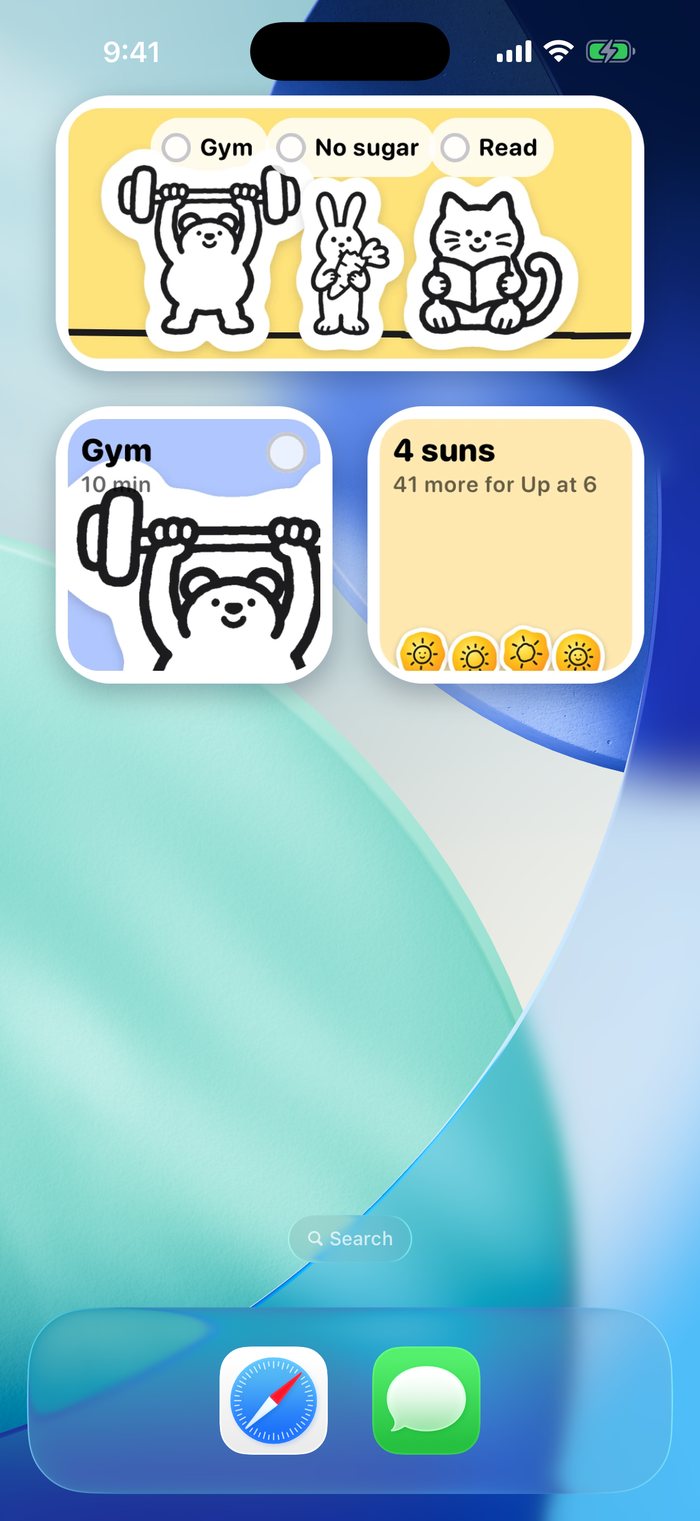
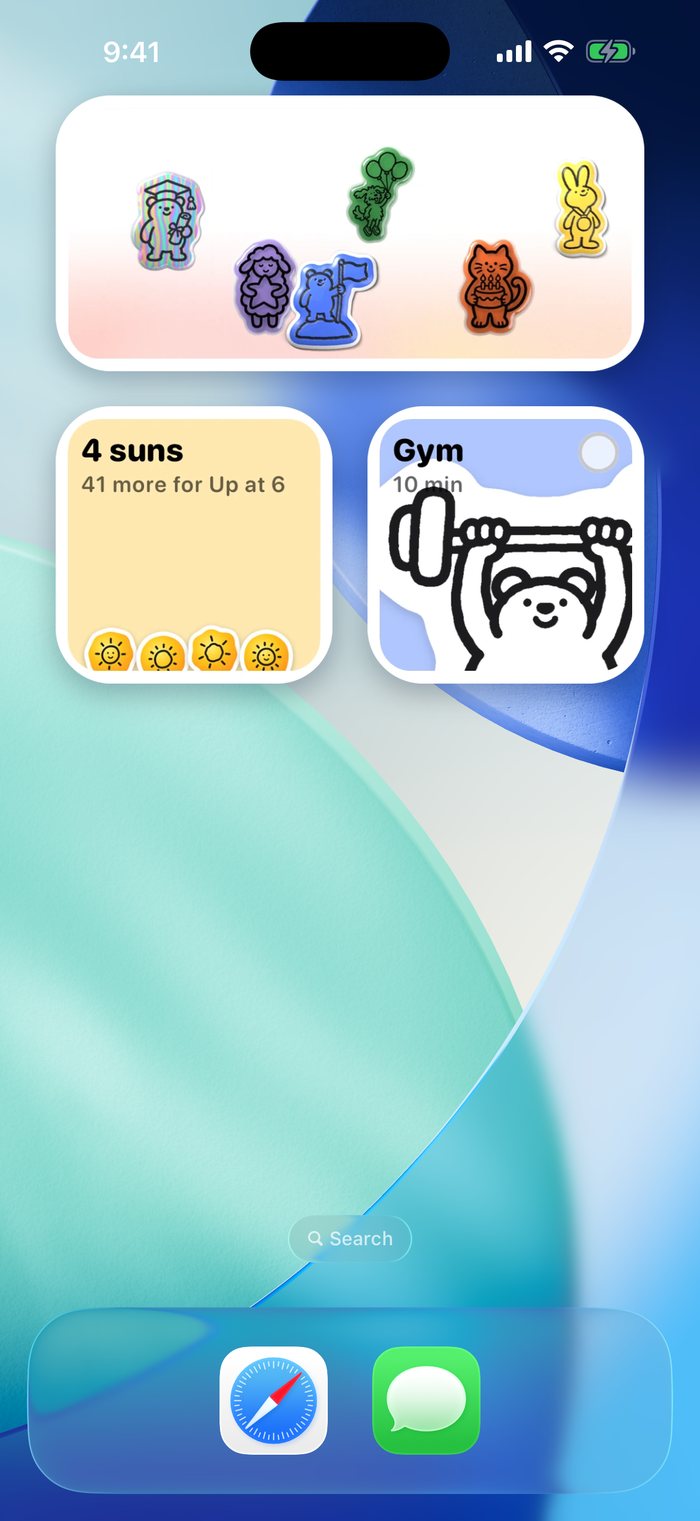
Tap the check on a widget to keep a habit without opening the app.
The next habit opens once you have the suns for it.
Arrange them on a photo you like and keep it on your Home Screen.
It only moves the next habit back by a day.
No. Your line stays on your iPhone and in your own iCloud, so it comes back on a new iPhone. There are no ads.
Nothing resets. Your kept days stay kept, and the next habit moves back by a day. If you did the habit and forgot to log it, you can still mark yesterday kept today.
Apple Health keeps steps, workout, mindful minutes and sleep habits. Screen Time keeps a habit of using your phone less. A wake-up habit can ring a real alarm, and you can also keep a habit with an NFC tag, Siri or a widget.
No. What Upshot reads from Apple Health stays on your iPhone and is never sent to us.
When you set up your line, the text goes to our server, which asks Anthropic's AI to list the habits in it. Our server doesn't keep what you wrote. The privacy policy has the details.
Open the Settings app, tap your name, then Subscriptions. Deleting Upshot doesn't cancel it. Cancel at least 24 hours before your free trial ends and you pay nothing.
Support. Write to admin@getupshot.app about the app, your subscription or your data. To cancel, open Settings, tap your name, then Subscriptions. Refunds go through Apple at reportaproblem.apple.com.